
Feature Flags for Solo Founders: A Practical Guide
Learn how feature flags can help solo founders manage risk, experiment safely, and optimize their indie SaaS projects effectively.
August 21, 2026
Introduction
As a solo founder, you’re often juggling multiple roles, from product development to marketing and customer support. This can make it challenging to implement new features or experiments in a way that minimizes risk and maximizes feedback. That’s where feature flags come into play.
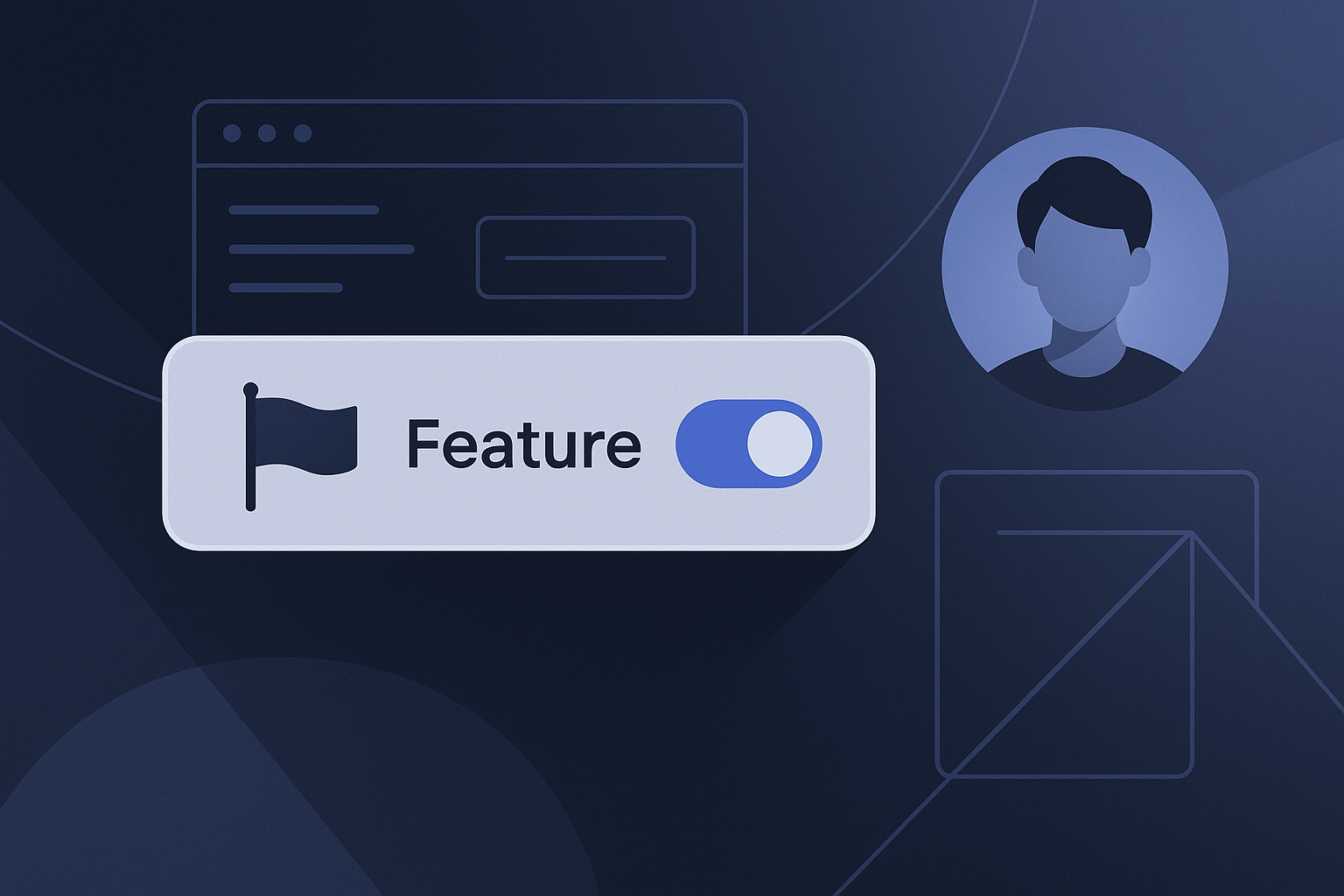
Feature flags, also known as feature toggles, allow you to enable or disable features in your software without deploying new code. This flexibility is especially useful for indie SaaS developers who want to test new ideas safely. In this post, I’ll walk you through what feature flags are, how they can benefit you, and practical steps for implementing them in your projects.
What are Feature Flags?
Feature flags are conditional statements in your code that allow you to control the visibility of a feature. Instead of launching a feature to all users at once, you can roll it out gradually, enabling it for a small group of users first. This helps you gather feedback and identify issues early.
Benefits of Using Feature Flags
- Controlled Rollouts: You can release features to a small audience to test functionality and gather feedback before a full launch.
- A/B Testing: Feature flags enable you to compare different versions of a feature to see which performs better.
- Instant Rollback: If a new feature is causing issues, you can disable it instantly without having to redeploy your entire application.
- Experimentation: They provide a safe environment for experimenting with new ideas and iterating based on real user data.
How Feature Flags Work
At their core, feature flags are simple boolean values. When you write your code, you can wrap new features in conditional statements that check whether the feature should be active based on the flag’s value.
For example:
if feature_flags['new_feature']:
    # Code for the new feature
else:
    # Code for the old feature
Types of Feature Flags
- Release Flags: Used for gradual feature rollouts.
- Experiment Flags: Used for A/B testing and experiments.
- Permission Flags: Control access to certain features based on user roles.
Implementing Feature Flags as a Solo Founder
Step 1: Identify Your Use Cases
Before you start implementing feature flags, think about the scenarios in which you might want to use them. Here are some common use cases:
- Testing new features before full rollout.
- A/B testing to optimize user experience.
- Controlling access to premium features.
Step 2: Choose a Feature Flagging Tool
As a solo founder, you have many options for feature flagging tools. Some popular ones include:
- LaunchDarkly: A comprehensive feature management platform.
- Flagsmith: Open-source and self-hosted option.
- Unleash: Another open-source solution for control over feature flags.
Step 3: Integrate Feature Flags into Your Workflow
Integrate feature flags into your existing development workflow. This may involve:
- Adding feature flags during the development of new features.
- Setting up a dashboard to manage flags easily.
- Training your team (if applicable) on how to use them.
Step 4: Monitor and Analyze Feedback
Once feature flags are in place, it’s crucial to monitor their performance. Look for metrics such as user engagement, error rates, and feedback from users. This data will inform your decisions about whether to roll out a feature more broadly or to iterate on it further.
Best Practices for Using Feature Flags
- Keep Flags Short-Lived: Remove feature flags once they’ve served their purpose to avoid clutter.
- Document Everything: Maintain clear documentation on what each feature flag does and its intended use case.
- Communicate with Your Users: Let your users know when new features are being tested and gather their feedback actively.
- Automate Rollouts: Use automation tools to manage feature flags efficiently.
Checklist for Feature Flags Implementation
- [ ] Identify use cases for feature flags.
- [ ] Choose a feature flagging tool.
- [ ] Integrate feature flags into your development workflow.
- [ ] Monitor performance and gather user feedback.
- [ ] Keep your flags short-lived and well-documented.
Conclusion
Feature flags can be a powerful tool for solo founders looking to innovate while managing risk. By implementing feature flags, you gain the flexibility to experiment, learn, and adapt without the fear of negatively impacting your users.
If you’re interested in learning more about software and AI tools, check out the LookManLook blog for additional resources. Remember, the key to successful feature flag implementation lies in thoughtful planning, consistent monitoring, and clear communication with your users. Happy building!
Related
- Finding a Reliable Keyword Planner Free: Options for Builders
Explore reliable keyword planner free options for better SEO strategies. Discover tools like Google Keyword Planner and Ubersuggest.
- Effective Field Management Solutions for Small Teams
Explore effective field management solutions to enhance productivity and streamline operations for small teams in various industries.
- Field Service Management Solutions: Driving Efficiency in Operations
Explore effective field service management solutions to enhance operational efficiency and customer satisfaction.