
Harnessing Cron Jobs on Vercel for Seamless Content Automation
Learn how to automate content tasks with cron jobs on Vercel. A practical guide for founders and builders.
August 21, 2026
Harnessing Cron Jobs on Vercel for Seamless Content Automation
As a founder or builder in the software and AI landscape, automating repetitive tasks can free up valuable time and resources. One powerful way to achieve this is through the use of cron jobs on platforms like Vercel. In this post, I’ll guide you through understanding and implementing cron jobs for content automation on Vercel.
What are Cron Jobs?
Cron jobs are scheduled tasks that automatically run at specified intervals. They are commonly used in UNIX-like operating systems to execute scripts or commands at predetermined times. With the advent of cloud platforms like Vercel, setting up cron jobs has become more accessible, allowing developers and founders to automate myriad tasks.
Why Use Vercel for Cron Jobs?
Vercel is designed for frontend developers and offers a streamlined experience for deploying web applications. Here’s why you might consider using Vercel for your cron jobs:
- Ease of Deployment: Vercel integrates with Git, allowing for smooth deployment of code changes.
- Serverless Functions: You can create serverless functions that can be triggered by cron jobs.
- Scalability: Vercel’s infrastructure scales automatically, so your cron jobs can handle varying workloads without additional configuration.
Setting Up Cron Jobs on Vercel
Setting up cron jobs on Vercel involves a few steps. Let’s break it down:
Step 1: Create a Vercel Project
If you haven’t already, start by creating a Vercel project. You can do this by linking your GitHub, GitLab, or Bitbucket repository to Vercel.
Step 2: Write a Serverless Function
In your Vercel project, create a new serverless function. This function will contain the logic that you want to execute on a schedule. For example, if you want to automate content updates, your function might look like this:
export default function handler(req, res) {
  // Your content automation logic here
  res.status(200).json({ message: 'Content updated!' });
}
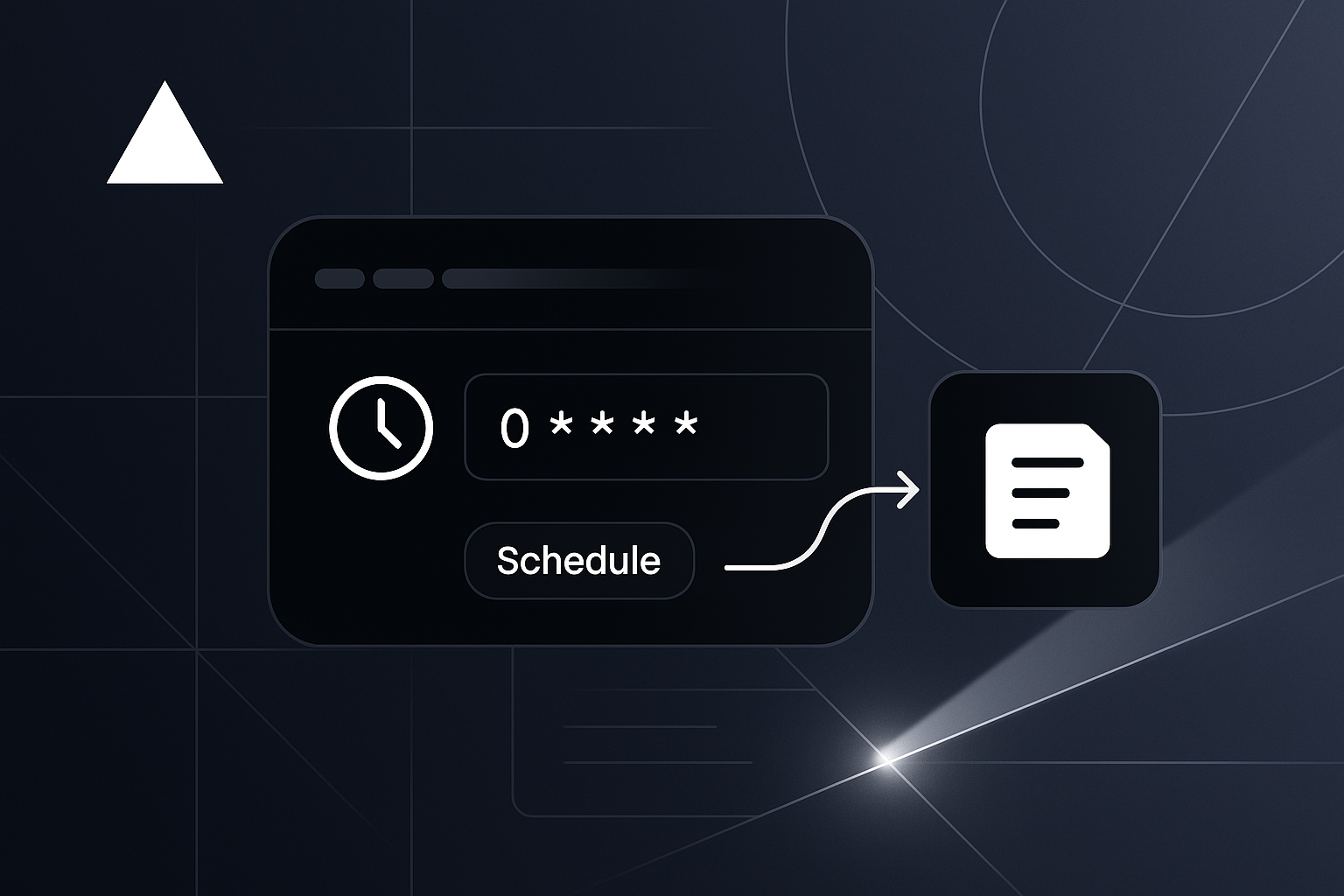
Step 3: Define Your Cron Schedule
You can define the cron schedule using a lightweight service like GitHub Actions or a third-party service such as Cronitor. Vercel does not natively support cron jobs, so these services will trigger your serverless function at the specified intervals.
Here’s an example of a GitHub Actions configuration to run a cron job every day at midnight:
name: Content Automation

on:
  schedule:
    - cron: '0 0 * * *'

jobs:
  run-function:
    runs-on: ubuntu-latest
    steps:
      - name: Trigger Vercel Function
        run: curl -X POST https://your-vercel-function-url
Step 4: Monitor Your Cron Jobs
Monitoring is crucial. Use tools like Cronitor or a simple logging mechanism in your serverless function to ensure everything runs smoothly.
Practical Use Cases for Content Automation
- Content Updates: Automatically refresh your blog posts or articles based on new data.
- Social Media Posting: Schedule content to go live on your social media platforms.
- Email Marketing: Send out newsletters or updates without manual intervention.
Best Practices for Using Cron Jobs
- Start Small: Begin with simple tasks to minimize complexity.
- Error Handling: Implement robust error handling in your serverless functions to avoid silent failures.
- Logging: Maintain logs for each run to monitor success and troubleshoot issues.
- Testing: Verify your cron jobs in a staging environment before deploying to production.
A Checklist for Setting Up Cron Jobs on Vercel
- [ ] Create a Vercel project.
- [ ] Write your serverless function.
- [ ] Set up a cron schedule using GitHub Actions or a third-party service.
- [ ] Implement monitoring and error logging.
Conclusion
Cron jobs can significantly enhance your content automation strategy. By leveraging Vercel's serverless functions and the flexibility of cron scheduling, you can automate a range of tasks that can otherwise consume your time and energy. If you want to dive deeper into more automation strategies, check out our blog or explore our FAQ for additional resources.
By following the steps outlined in this guide, you can set up a reliable system for automating your content workflows and focus on what matters most – building and scaling your projects.
Related
- Finding a Reliable Keyword Planner Free: Options for Builders
Explore reliable keyword planner free options for better SEO strategies. Discover tools like Google Keyword Planner and Ubersuggest.
- Effective Field Management Solutions for Small Teams
Explore effective field management solutions to enhance productivity and streamline operations for small teams in various industries.
- Field Service Management Solutions: Driving Efficiency in Operations
Explore effective field service management solutions to enhance operational efficiency and customer satisfaction.