
Plausible vs Google Analytics for Indie Sites
Explore the differences between Plausible and Google Analytics for indie sites. Learn about privacy, usability, and when to choose each tool.
August 21, 2026
Introduction
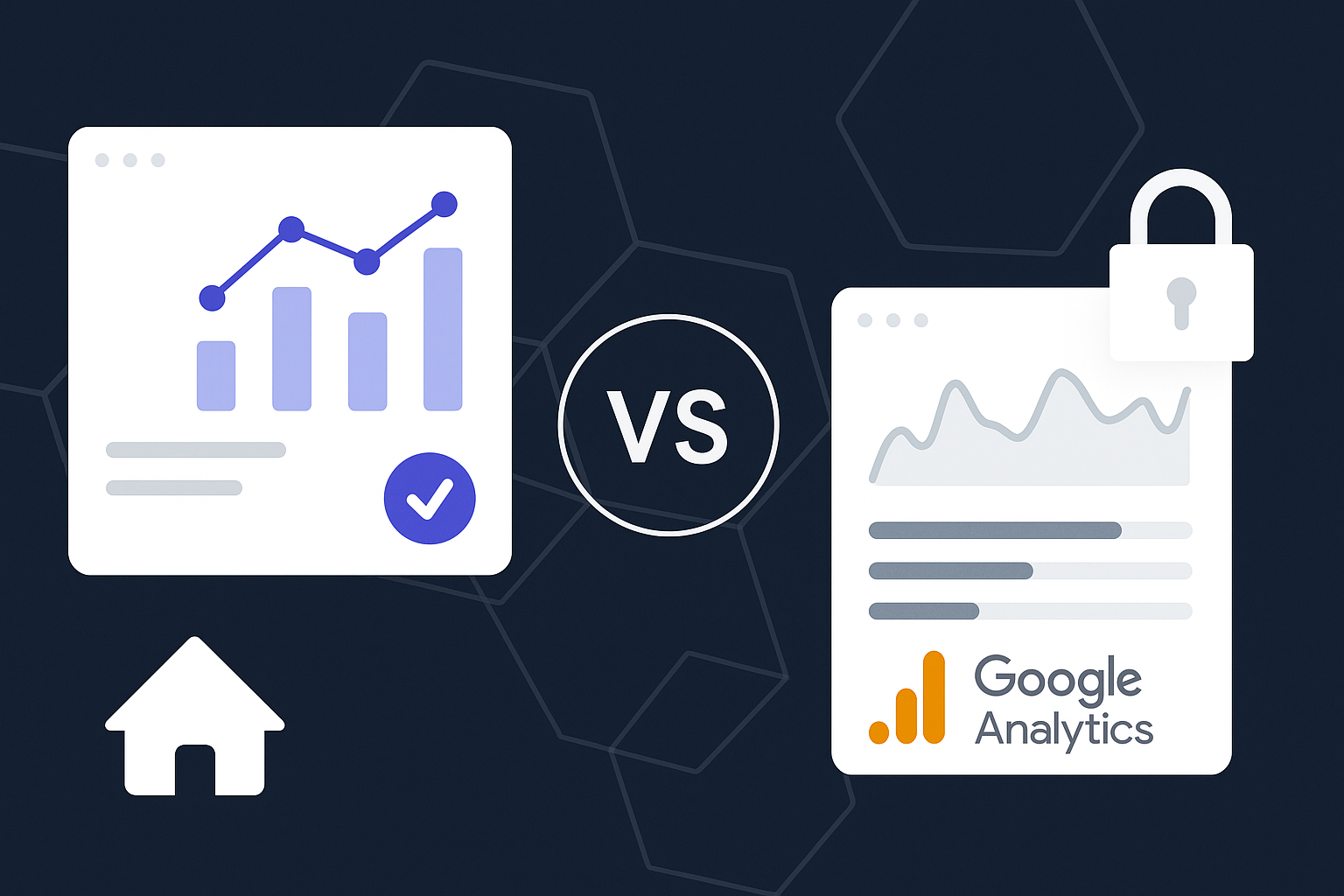
As founders and builders, understanding your audience is crucial for the success of your indie site. Analytics tools are essential for tracking user behavior, but with so many options available, choosing the right one can be daunting. In this post, we’ll delve into the differences between Plausible and Google Analytics, focusing on their features, privacy concerns, and suitability for indie projects.
Understanding the Basics
What is Google Analytics?
Google Analytics (GA) is one of the most widely used analytics tools globally. It's powerful, feature-rich, and offers advanced reporting capabilities. However, it comes with complexity and a steep learning curve, which can be overwhelming for indie site owners.
What is Plausible?
Plausible is a newer, simpler analytics tool designed for privacy-conscious users. It offers a straightforward and clean interface, focusing on essential metrics without overwhelming users with data. It's particularly appealing for those who value privacy and a user-friendly experience.
Key Differences
1. Privacy Considerations
- Google Analytics: Known for its extensive data collection practices, GA has faced scrutiny over user privacy. It collects IP addresses and other personal data, making it less suitable for those prioritizing user privacy.
- Plausible: Designed with privacy at its core, Plausible does not track personal data or use cookies. This makes it compliant with GDPR and CCPA, appealing to indie site owners who want to respect their users' privacy.
2. User Interface and Usability
- Google Analytics: The interface can be intimidating. Users often find it challenging to navigate through complex reports and metrics.
- Plausible: Offers a clean and intuitive dashboard, presenting data in a simple way. This is particularly beneficial for indie founders who want quick insights without the fuss.
3. Data Reporting and Metrics
- Google Analytics: Provides in-depth reporting and a wide range of metrics, including real-time data tracking, conversion goals, and advanced segmentation. However, this can lead to information overload.
- Plausible: Focuses on essential metrics: page views, unique visitors, bounce rates, and referrers. This makes it easier to understand how users interact with your site without getting lost in the details.
4. Pricing
- Google Analytics: Free for basic use, but the costs can escalate with advanced features or if you choose their premium version, Google Analytics 360.
- Plausible: Offers a straightforward pricing model based on monthly page views. It’s affordable for indie sites and removes the complexity of tiered pricing structures.
Pros and Cons
Google Analytics
Pros:
- Comprehensive data tracking and reporting.
- Advanced features for larger businesses.
- Integration with other Google services.
Cons:
- Complex interface and steep learning curve.
- Privacy concerns and extensive data collection.
Plausible
Pros:
- Focused on user privacy and compliance.
- Simple, easy-to-use interface.
- Affordable pricing model for indie sites.
Cons:
- Limited advanced features compared to GA.
- Less extensive reporting options.
When to Use Each Tool
Choose Google Analytics If:
- You need in-depth analysis and reporting capabilities.
- You're comfortable with a more complex user interface.
- Your business relies on extensive data analysis for decision-making.
Choose Plausible If:
- You prioritize user privacy and compliance.
- You seek a simple and effective analytics solution.
- You want quick insights without the clutter of unnecessary data.
Conclusion
In the battle of Plausible vs Google Analytics, the choice ultimately depends on your specific needs and values. If privacy is paramount and you prefer simplicity, Plausible is an excellent choice. However, if you require deep insights and can navigate a complex interface, Google Analytics may be the right fit.
Regardless of your choice, the key is to use analytics effectively to drive your indie site’s growth. For more insights on software and AI tools, check out our blog or our FAQ section.
Quick Checklist for Choosing an Analytics Tool
- [ ] Determine your primary goals for analytics.
- [ ] Consider your audience's privacy concerns.
- [ ] Evaluate how much data you really need.
- [ ] Test both tools to see which interface you prefer.
By weighing these factors, you can confidently select the analytics tool that aligns best with your indie site’s mission and values.
Related
- Finding the Best Project Task Management Software: A Builder's Perspective
Explore the best project task management software for effective team collaboration and task tracking. Find tools tailored for builders and small teams.
- Finding the Best Task and Project Management Software for Your Team
Explore the best task and project management software for your team. Discover features, comparisons, and tips to enhance productivity.
- Finding the Best Small Team Project Management Software for Your Needs
Explore the best small team project management software with insights on Trello and Asana, plus tips for choosing the right tool.