
Choosing Mobile Field Management Software for Your Team's Needs
Explore how mobile field management software can enhance efficiency for teams working outside the office. Discover key features and best practices.
September 1, 2026
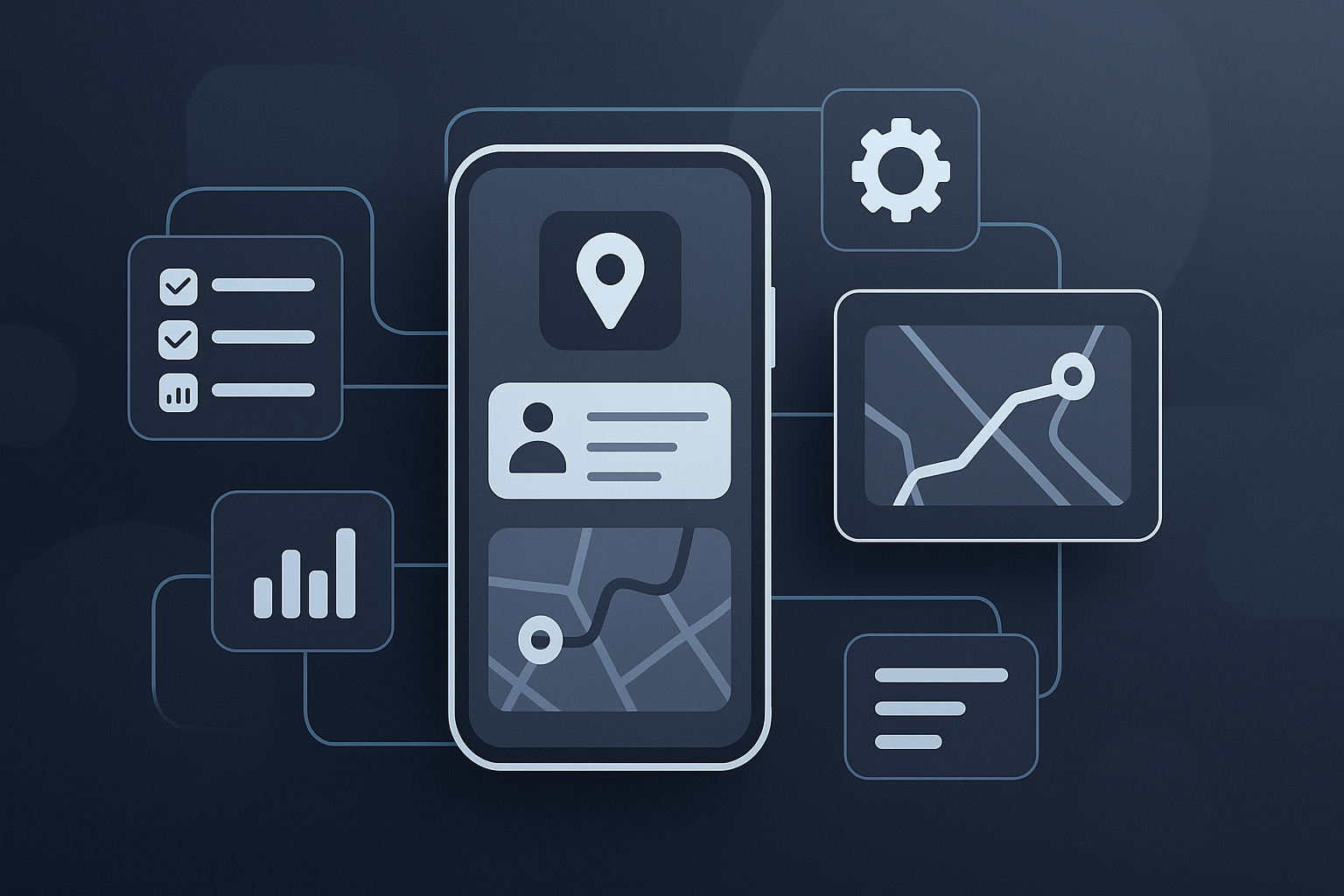
Understanding Mobile Field Management Software
Mobile field management software plays a crucial role in enhancing the efficiency of teams that operate outside traditional office settings. By integrating tools that facilitate communication, task management, and data collection, organizations can streamline their processes. For businesses with field workers, the right software can mean the difference between chaos and order.
Key Features to Consider
When evaluating options, consider the following features that can significantly impact your operations:
- Real-time Communication: Ensure that field teams can communicate instantly with the office and each other. This might include chat functions or alerts for urgent tasks.
- Task Management: The software should allow for easy assignment and tracking of tasks. Look for tools that enable drag-and-drop task prioritization.
- GPS Tracking: This feature helps in optimizing routes and monitoring field personnel for safety and efficiency.
- Data Collection: Field workers often need to gather data, whether it's customer information or inspection results. Mobile forms that can be filled out on-the-go are essential.
Popular Tools in the Market
1. Jobber
Jobber is tailored for service businesses and includes features for scheduling, invoicing, and client management. Its mobile application allows field workers to manage their day, send quotes, and communicate with clients seamlessly. It's particularly beneficial for small teams in landscaping, cleaning, and plumbing.
2. ServiceTitan
Designed for larger operations, ServiceTitan offers robust features that include customer relationship management (CRM) and advanced reporting tools. Its mobile platform is user-friendly, making it easy for technicians to access job details, capture customer signatures, and update job status in real time. This tool is particularly effective in the HVAC and electrical sectors.
Challenges to Avoid
Implementing mobile field management software comes with its own set of challenges. Here are some pitfalls to steer clear of:
- Overloading Features: Opting for a tool with too many features can overwhelm your team. Focus on what solves your specific problems.
- Neglecting Training: Even the best software requires proper training. Ensure your team is comfortable using the software to prevent frustration.
- Ignoring Integration: If your field management software doesn’t integrate with existing tools, you may end up with siloed data that hinders productivity.
My Recommendation
If you’re a small team primarily focused on service delivery, pick Jobber for its straightforward usability and features tailored to your needs. Avoid ServiceTitan if you’re not ready for its complex feature set, which may be more than what a small team requires.
How to Implement Successfully
To effectively implement mobile field management software, consider the following steps:
- Assess Your Needs: Identify the specific needs of your field team. Are they mostly scheduling, route planning, or data collection?
- Involve Your Team: Include your field workers in the selection process. Their feedback is invaluable in choosing the right tool.
- Pilot Testing: Before a full rollout, run a pilot program with a small group to iron out any issues.
- Monitor and Adjust: After implementation, keep an eye on how the software is being used. Get feedback and make necessary adjustments.
Checklist for Picking Software
- [ ] Identify core features necessary for your team
- [ ] Evaluate user-friendliness of the interface
- [ ] Ensure compatibility with existing tools
- [ ] Obtain feedback from potential users
- [ ] Consider customer support and training availability
By focusing on what your team truly needs and involving them in the process, choosing the right mobile field management software can lead to significant improvements in productivity and communication. More insights on software solutions can be found on our blog. Explore our FAQ for further assistance or visit our about page for more context about our mission.
Related
- Choosing Field Service Software for QuickBooks: A Practical Guide
Explore the best field service software for QuickBooks, enhancing your business operations with seamless integration and essential features.
- Choosing the Right Field Service Mobile Software for Your Team
Discover how to choose the best field service mobile software for your team. Explore key features and popular tools to enhance operational efficiency.
- Choosing Mobile Field Service Management Software for Your Team
Explore mobile field service management software options and learn how they can enhance your team's efficiency.