
Choosing the Right Field Service Mobile Software for Your Team
Discover how to choose the best field service mobile software for your team. Explore key features and popular tools to enhance operational efficiency.
August 30, 2026
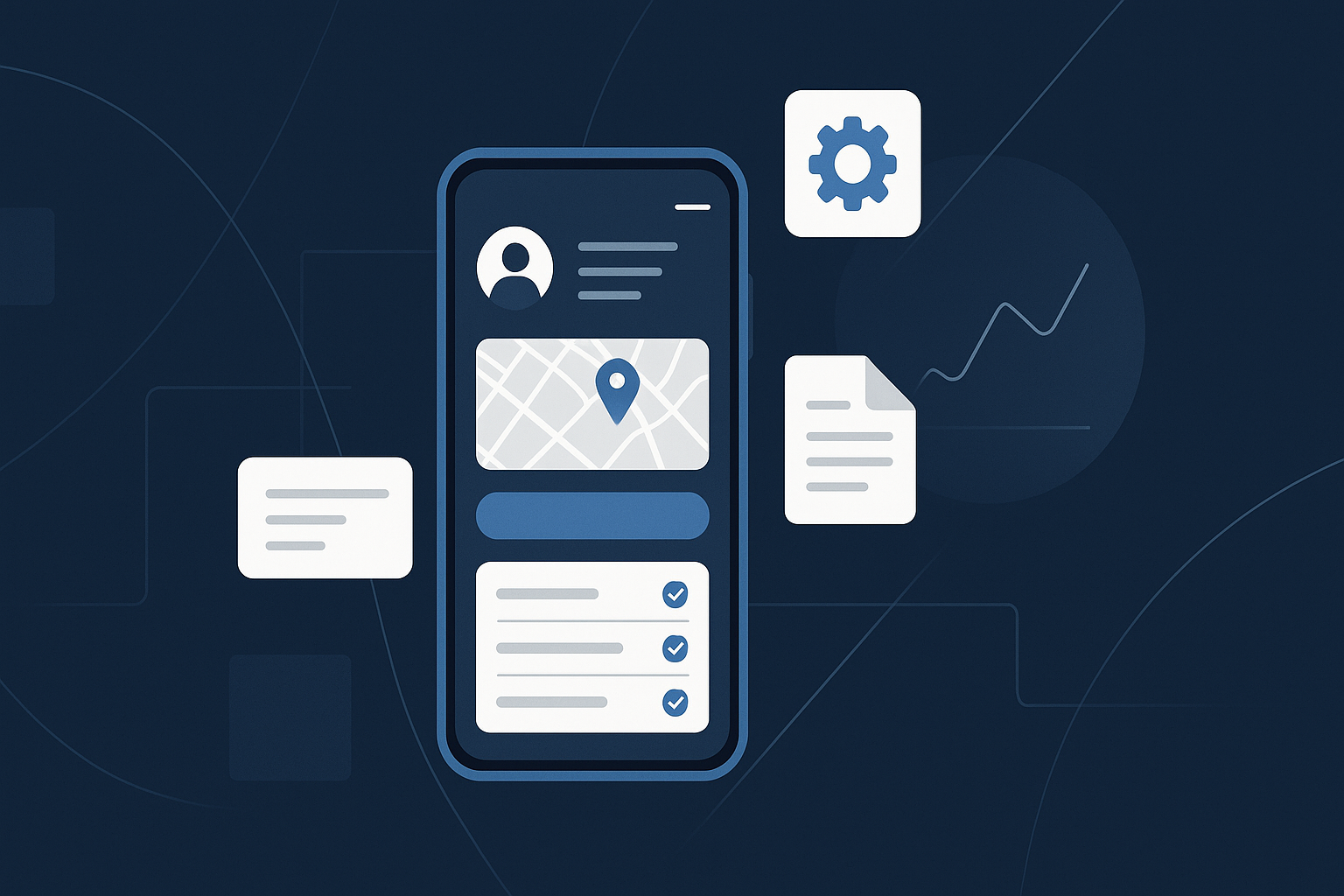
Understanding Field Service Mobile Software
Field service mobile software streamlines operations for businesses that send technicians on-site. From managing schedules to tracking inventory, these tools can vastly improve productivity and customer satisfaction. It’s not just about having a mobile app; it’s about providing the right solutions for your specific needs.
Key Features to Look For
When evaluating field service mobile software, consider the following essential features:
- Real-Time Updates: Ensure your team can access and update job information instantly.
- Scheduling and Dispatching: Look for tools that help optimize routes and allocate jobs effectively.
- Customer Management: A CRM integration can enhance service quality by providing historical data on customers.
- Mobile Access: The software should be accessible on various mobile devices, enabling your team to work anywhere.
Popular Tools in the Market
- ServiceTitan: This software is popular among HVAC, plumbing, and electrical service providers. With its robust scheduling capabilities and customer management features, it's designed specifically for field service operations. ServiceTitan offers a user-friendly interface that technicians can navigate easily during their on-site visits.
- Jobber: Geared towards smaller businesses, Jobber simplifies job scheduling and client management. It includes features for invoicing and payment processing, making it an excellent choice for teams that want comprehensive management on a single platform.
Workflow Integration
Integrating field service mobile software into your existing workflows can be a challenge. It’s vital to ensure compatibility with your current systems, such as accounting or inventory management tools.
For example, if you use QuickBooks for accounting, look for software that offers seamless integration. This will reduce manual data entry and the risk of errors, ultimately saving time and money.
Avoiding Common Pitfalls
- Neglecting User Training: Even the best software can fail if your team isn’t trained to use it effectively. Invest time in providing comprehensive training and support.
- Ignoring Feedback: Regularly solicit feedback from your team about the software. They are the ones using it daily, and their insights can help you identify issues and areas for improvement.
Opinionated Recommendation
Choose ServiceTitan if you have a larger operation requiring advanced features like CRM integration and robust scheduling. Avoid FieldAware if your needs are simpler; it can be overkill for small teams, potentially complicating rather than streamlining processes.
Implementation Checklist
- [ ] Assess team needs and specific challenges.
- [ ] Research available options and compare features.
- [ ] Ensure easy integration with existing tools.
- [ ] Plan for team training sessions.
- [ ] Monitor usage and gather team feedback regularly.
Conclusion
Selecting field service mobile software is a critical decision that can impact your team's efficiency and customer satisfaction. By carefully evaluating your options and considering the specific needs of your operation, you can choose a solution that drives success.
For more insights on software solutions, check out our blog or visit our FAQ.
Related
- Choosing Mobile Field Management Software for Your Team's Needs
Explore how mobile field management software can enhance efficiency for teams working outside the office. Discover key features and best practices.
- Choosing Field Service Software for QuickBooks: A Practical Guide
Explore the best field service software for QuickBooks, enhancing your business operations with seamless integration and essential features.
- Choosing Mobile Field Service Management Software for Your Team
Explore mobile field service management software options and learn how they can enhance your team's efficiency.