
How to Write a SaaS Waitlist Page That Filters Tire Kickers
Learn how to create a SaaS waitlist page that attracts serious users and filters out tire kickers with practical strategies.
August 21, 2026
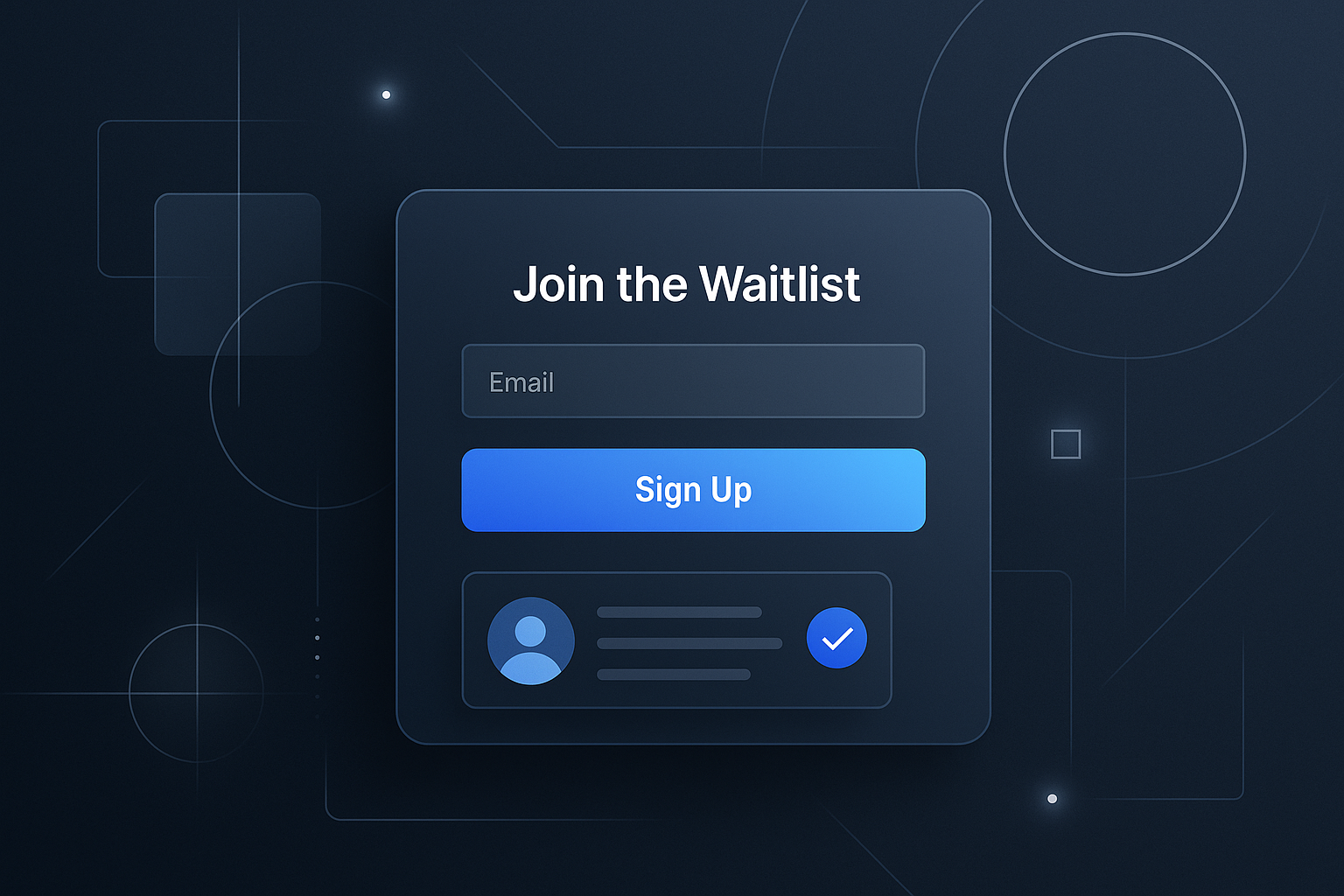
How to Write a SaaS Waitlist Page That Filters Tire Kickers
Creating a SaaS waitlist page is a crucial step in building anticipation and collecting potential user data before your product launch. However, not all sign-ups are created equal. Some users are genuinely interested, while others are just browsing. In this post, I’ll share practical strategies to help you craft a waitlist page that attracts serious users and filters out tire kickers.
Understanding the Purpose of a Waitlist Page
A waitlist page serves multiple purposes:
- Builds anticipation for your product.
- Collects emails from interested users.
- Filters qualified leads who are genuinely interested in what you’re offering.
To achieve these objectives, it’s essential to design your waitlist page with intention.
Key Elements of an Effective SaaS Waitlist Page
1. Clear Value Proposition
Your waitlist page should clearly communicate the benefits of your SaaS product. What problem does it solve? Why should users care? A strong value proposition can significantly filter out those who aren’t serious. Here’s how to articulate it:
- Use simple, concise language.
- Highlight unique features and benefits.
- Make it relatable to your target audience.
2. Engaging Call-to-Action (CTA)
Your CTA is pivotal in converting visitors into subscribers. Here are some tips for crafting an effective CTA:
- Use action-oriented language (e.g., “Join the Waitlist” instead of “Sign Up”).
- Create a sense of urgency (e.g., “Limited spots available!”).
- Make the CTA button visually distinct from other elements on the page.
3. Minimalist Design
A cluttered page can overwhelm potential sign-ups and send them away. Keep your design simple and focused. Consider the following:
- Use plenty of white space.
- Limit the number of form fields.
- Use graphics that complement your message, not distract from it.
4. Social Proof
Adding testimonials or early user feedback can enhance credibility. If you can, include:
- Quotes from beta testers or industry experts.
- Logos of companies or individuals who have already shown interest.
- Metrics or statistics that showcase demand for your product.
Filtering Out Tire Kickers
5. Qualifying Questions
Instead of a straightforward email collection form, consider adding a few qualifying questions to help filter interested users from the tire kickers. For example:
- What challenges are you currently facing that our product could solve?
- How likely are you to use our product if it meets your needs?
These questions can help gauge the seriousness of the sign-up.
6. Incentives for Sign-Up
Offering something in return for signing up can attract more serious users. Consider:
- Early access to the product.
- Exclusive content or features.
- Discounts for first-time users.
7. Transparency About the Product
Being upfront about what users can expect from your SaaS product can deter those who are not genuinely interested. Share:
- A product roadmap.
- Details about features that are currently in development.
- Your vision for the future of the product.
Conclusion
Creating a SaaS waitlist page that effectively filters out tire kickers is not just about collecting emails; it’s about building a community of engaged users. By focusing on clarity, design, and engagement, you can attract serious potential customers and set the stage for a successful product launch.
Checklist for Your Waitlist Page
- [ ] Clear value proposition.
- [ ] Engaging and actionable CTA.
- [ ] Minimalist design with ample white space.
- [ ] Inclusion of social proof.
- [ ] Qualifying questions in the sign-up form.
- [ ] Attractive incentives for signing up.
- [ ] Transparency about the product.
For more insights on building effective SaaS tools, check out our blog. If you have questions or need assistance, feel free to contact us.
Related
- Choosing Mobile Field Management Software for Your Team's Needs
Explore how mobile field management software can enhance efficiency for teams working outside the office. Discover key features and best practices.
- Choosing Field Service Software for QuickBooks: A Practical Guide
Explore the best field service software for QuickBooks, enhancing your business operations with seamless integration and essential features.
- Choosing the Right Field Service Mobile Software for Your Team
Discover how to choose the best field service mobile software for your team. Explore key features and popular tools to enhance operational efficiency.