
Stripe Checkout Mistakes That Kill Early Conversions
Avoid common Stripe Checkout mistakes that can reduce early conversions in your SaaS product.
August 21, 2026
Introduction
As founders and builders, we know that every conversion counts, especially in the early days of our SaaS products. One critical component of this process is the payment experience, and Stripe Checkout is a popular choice for many. However, mistakes during this stage can lead to lost sales and frustrated customers. In this post, I’ll share common pitfalls to avoid when using Stripe Checkout that can kill early conversions.
Understanding Stripe Checkout
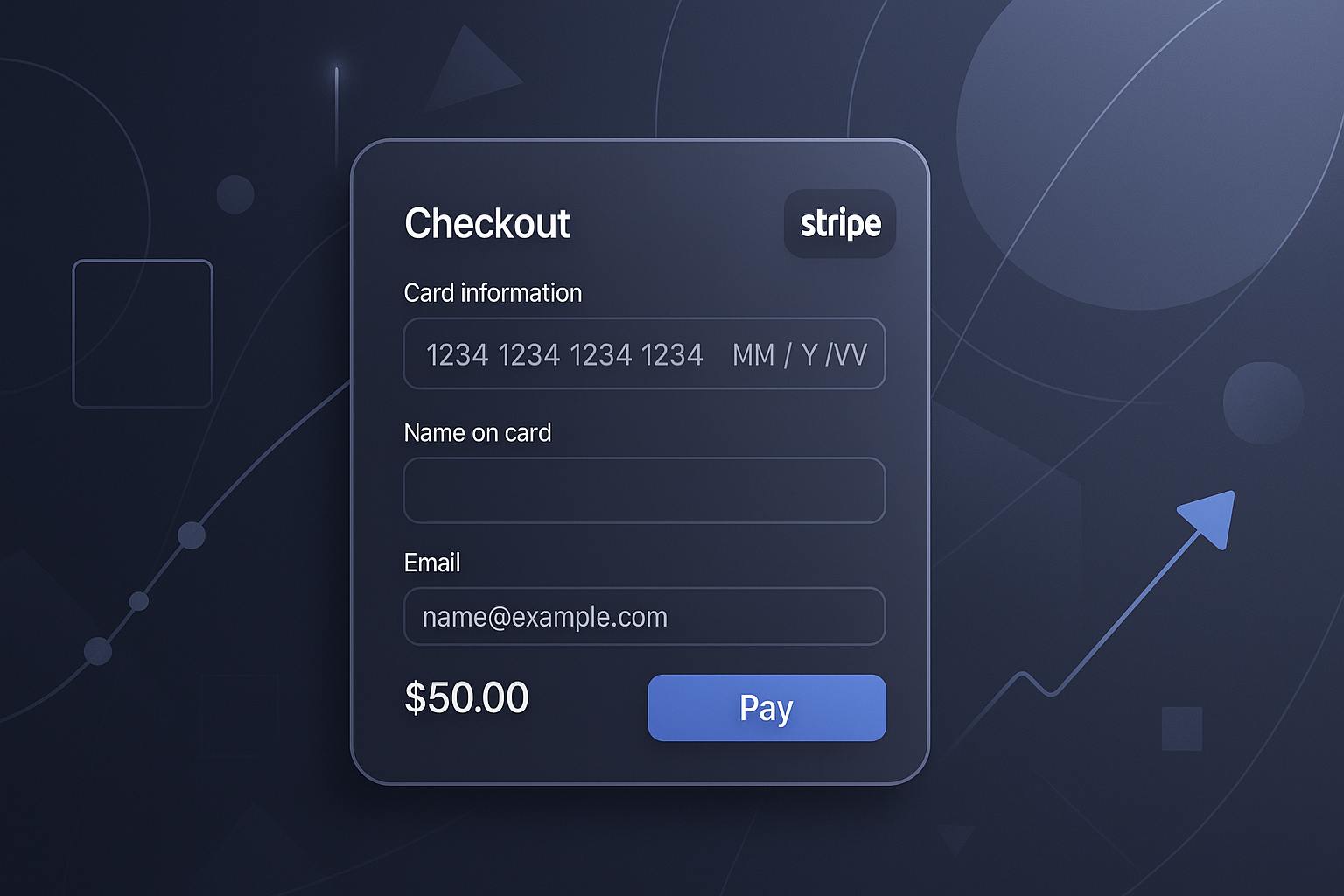
Before diving into the mistakes, let’s briefly recap what Stripe Checkout is. It’s a pre-built, hosted checkout page that simplifies the payment process. It allows you to accept payments quickly while also providing a secure environment for your customers. However, its effectiveness hinges on how well it is implemented.
Common Stripe Checkout Mistakes
1. Complicated Checkout Flow
One of the most significant mistakes is having a complicated checkout flow. If your customers face too many steps or confusing navigation, they are likely to abandon their carts. Here’s how to simplify the process:
- Limit the number of fields to fill out.
- Avoid unnecessary steps (e.g., creating an account before purchase).
- Use clear, concise language throughout the flow.
2. Lack of Trust Signals
Customers are increasingly cautious about entering their payment information online. If your checkout page lacks trust signals, such as security badges or clear privacy policies, you might lose conversions. Consider adding:
- SSL certificates to secure your page.
- Trust badges from reputable organizations.
- Clear information on your data handling policies.
3. Poor Mobile Optimization
With a significant number of users shopping on mobile devices, ensuring your Stripe Checkout is mobile-friendly is crucial. Avoid mistakes like:
- Cluttered layouts that are hard to navigate on smaller screens.
- Small buttons that are difficult to click.
- Slow loading times, which can frustrate users.
4. Unclear Pricing and Fees
If customers are unsure about the total cost before reaching the payment stage, they might abandon the checkout. Ensure that:
- Pricing is clearly displayed before checkout.
- Any additional fees (e.g., shipping, taxes) are outlined upfront.
- You explain any recurring charges transparently.
5. Neglecting to A/B Test
Many founders overlook the importance of A/B testing their checkout experience. Different layouts, button colors, and even copy can have varying effects on conversion rates. Make sure to:
- Test different versions of your checkout page.
- Track conversion rates to identify what works best.
- Iterate on your design based on user feedback and data.
6. Overlooking Post-Purchase Experience
Once a customer completes their purchase, the experience doesn’t end there. Failing to provide a solid post-purchase experience can deter future conversions. Consider:
- Sending a confirmation email that includes order details and a thank you message.
- Offering easy access to customer support for any post-purchase inquiries.
- Providing additional resources, such as tutorials or guides, relevant to the purchased product.
Checklist for Optimizing Stripe Checkout
To help you avoid common pitfalls, here’s a quick checklist:
- [ ] Simplified checkout flow
- [ ] Trust signals added
- [ ] Mobile optimization checked
- [ ] Clear pricing displayed
- [ ] A/B testing implemented
- [ ] Solid post-purchase experience ensured
Conclusion
In conclusion, optimizing your Stripe Checkout process is crucial for improving early conversions. By avoiding these common mistakes, you can create a smoother, more user-friendly experience that encourages customers to complete their purchases. For more insights on improving your SaaS conversion rates, check out our other articles on LookManLook. Remember, every detail matters when it comes to converting potential customers into loyal ones.
For further questions, feel free to visit our FAQ section.
Related
- Choosing Mobile Field Management Software for Your Team's Needs
Explore how mobile field management software can enhance efficiency for teams working outside the office. Discover key features and best practices.
- Choosing Field Service Software for QuickBooks: A Practical Guide
Explore the best field service software for QuickBooks, enhancing your business operations with seamless integration and essential features.
- Choosing the Right Field Service Mobile Software for Your Team
Discover how to choose the best field service mobile software for your team. Explore key features and popular tools to enhance operational efficiency.